Lost Bitcoin System Requirements
Plain-language PC notes for a deliberately light Windows junkyard digger.
Platform at a glance
Lost Bitcoin by Velto Games is listed for Steam on Windows with a 64-bit processor and operating system requirement. The full game (AppID 5427110) is scheduled for December 4, 2026. A free demo (AppID 5533180) is the best real-world test of your machine today. For calendar context and wishlist reminders, open the release date page.
This page paraphrases Steam’s intentionally humorous minimum copy into honest expectations. It is not a laboratory benchmark sheet, and it is not medical advice for your GPU.
What Steam’s joke minimums are saying
On the store page, Velto Games leans into comedy for the minimum rig:
- OS: basically “a working one” — in practice, plan on a modern Windows 64-bit install that Steam itself supports.
- CPU: “too slow to mine Bitcoin, fast enough to dig for it” — translation: you do not need a Threadripper; a typical everyday quad-core from the last many years is the spirit of the joke.
- Memory: the page memes 69 MB RAM — treat that as humor, not a target. Real Windows gameplay needs ordinary system RAM headroom for the OS, Steam, and the digger. If your PC browses the web comfortably, you are closer to the intended audience than a datacenter miner.
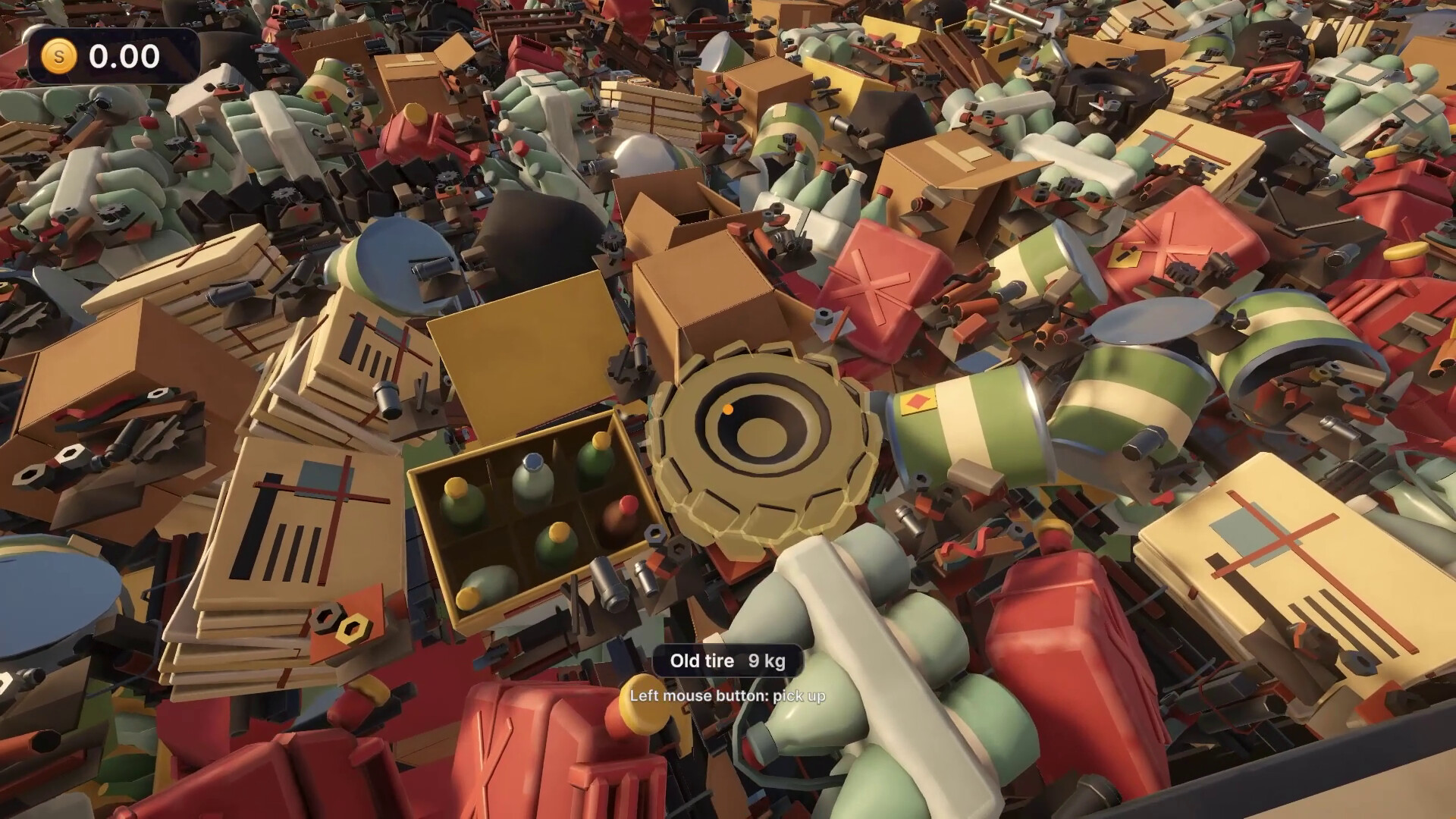
- Graphics: “anything that can render trash” — expect modest GPU needs focused on scrap piles and first-person traversal, not cinematic ray tracing.
- Storage: also joked as tiny — still reserve normal free space for the download, shader caches, and Steam updates. Never fill a drive to 0 bytes and blame the furnace.
- Sound: listed as “idk” — any working output device is fine.
- VR: explicitly no.
- Additional notes: the store literally tells you to wishlist the game — do that on AppID 5427110.
Recommended lines on some Steam views mention more conventional numbers (for example a Windows 10/11 style target, mid-range CPU/GPU language, and online connectivity for co-op). When Steam shows both joke minimums and sober recommended rows, use recommended as the comfort zone and minimum humor as “we are not trying to exclude low-spec players.”
Low-spec Windows guidance (practical)
You want:
- 64-bit Windows that can run Steam.
- A GPU/display stack that handles simple 3D at playable framerates.
- Enough free disk space for the demo plus room to grow for 1.0.
- A stable network path if you plan online co-op (up to 4) — solo works offline from a multiplayer perspective, but Steam still needs the initial install.
Close heavy background downloads while testing the demo. If frames dip while vacuuming huge scrap clouds, lower OS overlays first; the game is built to feel light, so spikes are often external.
Demo vs full game
| Demo (5533180) | Full game (5427110) | |
|---|---|---|
| Role | Try the dig–burn–upgrade loop | Complete skill tree, factory, launch build |
| Cost | Free | Priced on Steam at launch |
| Best use | Hardware + vibe check | Wishlist now, play December 4, 2026 |
| Wiki path after install | Getting Started · Controls | Same guides, refreshed after patches |
If the demo runs well, you are unlikely to need a new PC just for Lost Bitcoin unless the full release publishes heavier requirements later. Watch the Updates Hub for any official hardware notes after launch.
Co-op connectivity
Online co-op is a featured mode. That implies a working internet connection for multiplayer sessions even though the fantasy is “offline junkyard.” Solo players can ignore lobby quality; co-op hosts should sanity-check NAT/firewall habits like any Steam co-op title. Controls etiquette for four-player digs sits on the controls page.
Accessibility of humor vs clarity
We keep the jokes because they are part of the game’s voice, then translate them so shoppers are not literally shopping for 69 MB DIMMs. If a friend panics about the meme specs, send them here and then to official links for the Steam page itself.
Checklist before you install
- Confirm Windows 64-bit + Steam.
- Install the demo and move/look/interact using Controls.
- Complete one furnace loop via Getting Started.
- Wishlist the full game for the December 4, 2026 unlock.
- Join community channels from the Links Hub if you want patch chatter.
Lost Bitcoin wants you digging scrap, not digging through BIOS menus. Keep expectations humble, wishlist AppID 5427110, and let the demo be your benchmark.
Frequently Asked Questions
Quick answers about Lost Bitcoin, the demo, and launch prep.
Does Lost Bitcoin run on Windows only?
Steam lists Windows with a 64-bit processor and OS requirement. Check the store page for any future platform changes.
Are the 69 MB RAM requirements real?
They are humorous store copy. Plan on a normal low-to-mid Windows gaming footprint and verify with the free demo.
Should I trust the demo as a hardware test?
Yes. AppID 5533180 is the best pre-launch check. Re-read this page if the full December 4, 2026 build publishes new recommended specs.
Is VR supported?
No. Steam lists VR support as no.
Where is the release date info?
See the release date page for December 4, 2026 timing and wishlist links.