Lost Bitcoin Tools & Reference Hub
Controls, PC requirements, and practical reference for the junkyard demo.
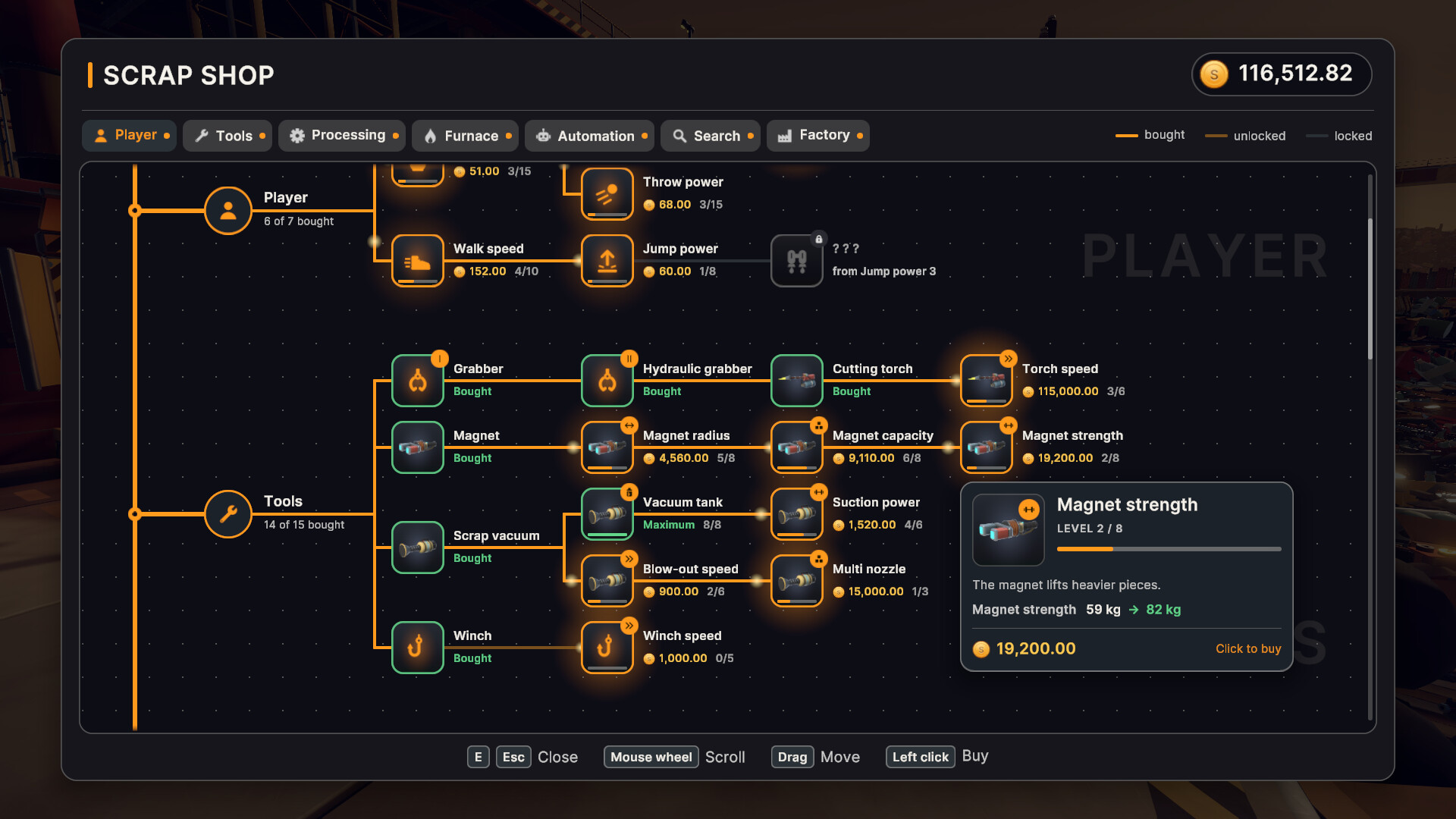
What lives under Tools
The Tools Hub collects reference pages for Lost Bitcoin—the Velto Games first-person digging and automation sim launching on Steam December 4, 2026. Come here when you need button layouts, PC expectations, or quick links into deeper guides—not when you want a full walkthrough (that is the Guides Hub) or spend order (that is the Tier List Hub).
Current pages:
- Controls — first-person dig movement, look, interact, inventory/shop habits, and demo caveats.
- System requirements — honest paraphrase of Steam’s humorous minimums, Windows 64-bit notes, demo vs full game, wishlist reminder.
- Wishlist & demo — install free demo AppID 5533180, wishlist full game 5427110, Discord, and a focused 30-minute try list.
Who this hub is for
Brand-new demo players should open Controls right after installing AppID 5533180, then follow Getting Started so the first furnace run is not a fight with the mouse. Laptop and low-spec players should skim System requirements before assuming the jokey “69 MB RAM” Steam line is a literal lab measurement—Lost Bitcoin is intentionally light, but you still want a working 64-bit Windows setup and enough storage for the install.
Co-op hosts can point friends at Controls so everyone agrees on interact and inventory keys before a four-player dig. Wishlist fence-sitters can confirm launch timing on the release date page and hardware comfort here, then jump to official links for Steam, Discord, and YouTube.
How Tools connects to the rest of the wiki
Controls knowledge feeds every other page: vacuum aiming, furnace throws, USB stick pickups, and platform PC checks all assume you can move, look, and interact without friction. System requirements feed launch prep: if the demo runs well, you are in good shape for the full AppID 5427110 build unless Velto Games publishes heavier recommended specs later.
After you are comfortable with inputs, leave this hub and spend time on:
- Wiki overview for the full fantasy and loop.
- Upgrade rankings so coins go into vacuum and furnace power.
- Skill-tree guide and factory automation when the deck opens.
- Updates Hub when you need patch or calendar context.
Demo vs full game reference
The free demo is the best hardware and controls test you will get before December. Bindings, prompts, and shop UI may still shift between demo builds and the 1.0 release—every Controls note on this wiki says so up front. If something in your build disagrees with our expected WASD / mouse-look / interact layout, trust the in-game prompt and send feedback through official channels listed on Links (Discord discord.gg/2dGu34RgE4, YouTube @Velto.Games.Studio).
Contributing mindset (fan wiki)
This is an unofficial fan wiki. Tools pages stay factual: no fake overlays, no invented keybind overlays sold as official, no affiliate download buttons. When Steam or Velto Games updates requirements or ships a settings menu overhaul, we refresh these pages from primary sources. Until then, use Tools as the sober checklist beside the more opinionated tier list.
Quick links
- Controls
- System requirements
- Wishlist & demo
- Getting Started
- Release date
- Official links
- Lost Bitcoin wiki overview
Bookmark this hub if you share the demo with friends—one link covers “how do I move?” and “will my PC run it?” without sending anyone into a forty-minute scrap essay first.
Frequently Asked Questions
Quick answers about Lost Bitcoin, the demo, and launch prep.
What pages are under the Tools Hub?
Start with Controls, System requirements, and Wishlist & demo. More reference pages may join as the full game ships.
Are the listed keybinds guaranteed?
They describe the expected first-person layout and what players commonly report. The demo may vary—always trust in-game prompts.
Is Lost Bitcoin heavy on PC hardware?
Steam’s minimums are humorous and low-spec oriented. Read System requirements for a plain-language take.
Where do I go after learning the controls?
Follow Getting Started, then the upgrade tier list.